WordPress Airbnb calendar sync plugin
WP Booking System is your go-to WordPress booking calendar plugin that allows you to accept bookings from other platforms and syncs all your bookings, everywhere.
Rated 4.9/5 on WordPress.org by 330+ customersWP Booking System is your go-to WordPress booking calendar plugin that allows you to accept bookings from other platforms and syncs all your bookings, everywhere.

Rated 4.9/5 on WordPress.org by 330+ customersSync your Airbnb availability with your WordPress booking calendar, so you can accept direct bookings on your website without constantly updating dates on multiple platforms.
WP Booking System connects to Airbnb using iCalendar (.ics) import/export. Availability is refreshed automatically (WP Booking System refreshes iCal feeds hourly by default, while Airbnb refreshes connected calendars about every 3 hours), and you can manually refresh whenever you need. For step-by-step setup, follow our Airbnb sync guide.
Syncing your booking calendar with Airbnb using iCalendar feeds offers several advantages for property owners.
iCalendar feeds allow for synchronization between WP Booking System and Airbnb. Whenever a booking is made through either platform, the availability is updated on both systems. This helps prevent double bookings and ensures accurate availability information for potential guests.
Syncing platforms with iCalendar feeds eliminates the need for manual updates. You don't have to manually update the availability on multiple platforms every time a booking is made or a change occurs. This saves you time and effort, allowing you to focus on other aspects of your property management.
By syncing WP Booking System with Airbnb, you can leverage the exposure and user base of Airbnb's platform. Airbnb attracts a large number of potential guests, which can increase your property's visibility and booking opportunities. Syncing ensures that your property is consistently listed and available on Airbnb, enhancing your chances of attracting guests.
Accurate availability information and immediate booking updates contribute to a seamless and positive guest experience. By syncing WP Booking System with Airbnb, you minimize the risk of overbooking or cancellations due to outdated availability data. This reliability helps maintain guest satisfaction and can lead to positive reviews and repeat bookings.
Yes. You can connect Airbnb and WP Booking System using iCalendar (.ics) feeds, so your availability stays aligned across both calendars.
It can be. To get two-way availability sync, export the iCal link from WP Booking System and import it into Airbnb, then export the iCal link from Airbnb and import/sync it into WP Booking System.
It’s not instant “real-time.” Airbnb updates connected calendars on its own schedule (typically every few hours). In WP Booking System, iCal feeds are cached and refreshed hourly by default (you can change the refresh interval), and you can manually refresh iCal data anytime.
Only availability (booked/blocked dates) is synced via iCalendar. Prices and booking restrictions are not synced through iCal.
Yes. iCalendar Sync / Import / Export is included as an extra feature of the Premium version.
Yes. You can add multiple iCalendar feeds (for example, one per listing or platform). If you sync across several platforms, make sure each platform is connected both ways where needed, so availability stays consistent everywhere.
Remove the feed and add it again, then make sure you assign imported events to your “Booked” (or equivalent) legend item in the “Import iCal Events As” setting.
First, manually refresh iCal data from the calendar’s iCal Import/Export page. If you use a caching plugin, exclude the page where your calendar is embedded from caching, otherwise updates may not appear on the front-end right away.
WP Booking System helps you manage your calendars and bookings with just a few clicks, so you can spend more time promoting your business and less managing it.
Works with any website that supports iCalendar feeds so your bookings are always up to date on all platforms.
WP Booking System puts at your disposal all the tools you need to accept online bookings.
You will be surprised at how easy it is to use this WordPress booking plugin. You'll love the friendly user interface and the ease of installation. The booking calendar is very intuitive and completely customizable, so you can quickly set it up then continue to focus on growing your business.
Depending on your business industry, you might require extra info from your clients. The form builder enables you to customize all fields in detail. The legend says it's built better than most contact forms available on the internet right now. Roar!
Whatever you're looking for, we've got it: whether we're talking about online or offline payments, the possibility to display taxes separately, allowing payments via PayPal, Stripe, cash or credit card, or perhaps you've acquired a taste for discounts/coupon codes or maybe you want to charge a deposit. With WP Booking System, you are covered on all aspects.
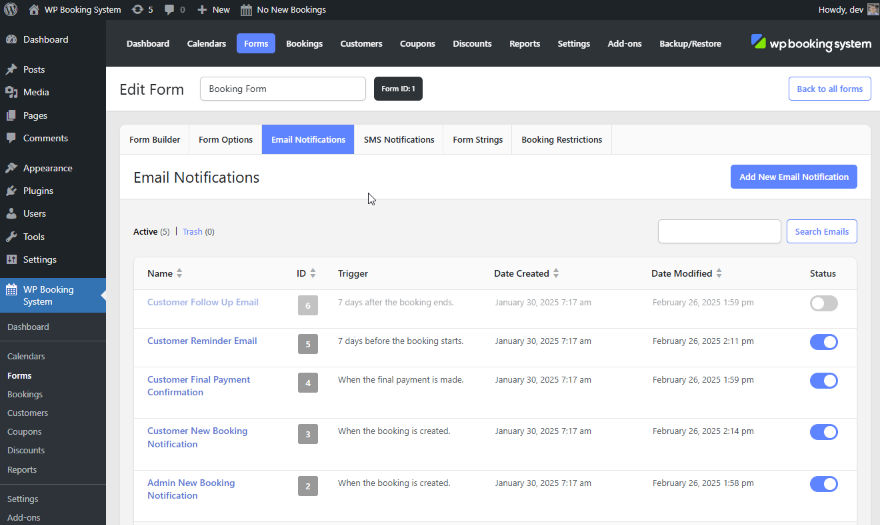
Automate and customize the emails that are being sent when a booking is made. You can thank customers for choosing your business, remind them about their upcoming booking, send them a summary of their booking including duration, personal information, and other details or create your own delivery trigger using conditional logic. Emails can also be sent when bookings are accepted or modified.

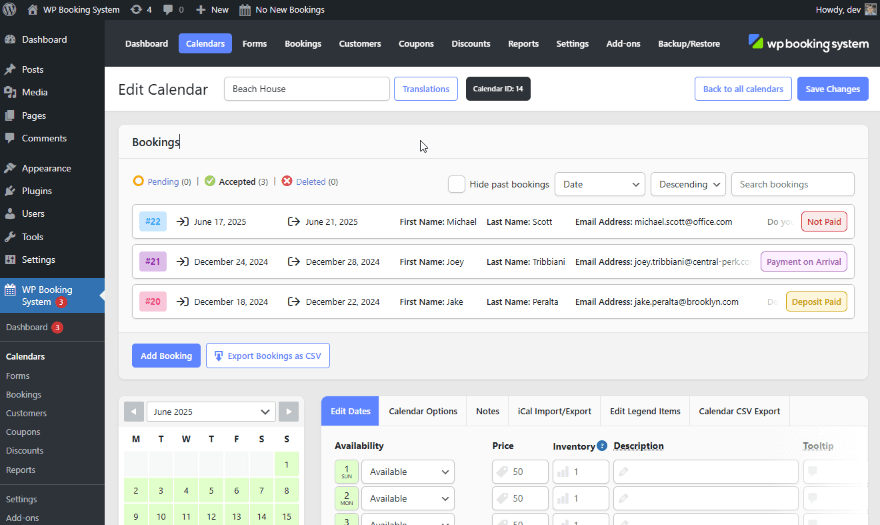
Easily manage your bookings in the website's Dashboard with our WordPress booking plugin. You can manually add new bookings or edit existing ones. You can search through existing bookings, sort them by various settings or filter them according to your needs.
WP Booking System helps you manage your calendars and bookings with just a few clicks, so you can spend more time promoting your business and less managing it.
100% Money Back Guarantee
We'll gladly provide a refund if it's requested within 14 days of purchase.As long as your website is built with WordPress, you're good to go. WP Booking System is a WordPress booking plugin integrated directly with the top page builders out there - connected with ease.
You can create multiple calendars and combine them into one clear overview. You can also link the calendars to individual pages.
The WordPress booking system is fully translatable and compatible with 29 languages. Translating it is easily done from the backend and does not require any translation plugins.
Renting multiple products? Assign a calendar to each, then allow website visitors to see which are available on a certain date.
Set a minimum or maximum number of days the customer can book, set the day of the week a reservation can start or end on or how far in advance customers can book. Per season or all year round.

Allow customers to pay in your country's currency or accept international payments in a variety of currencies.

Allow multiple bookings per day and automatically make the dates unavailable when the maximum number of bookings is reached.
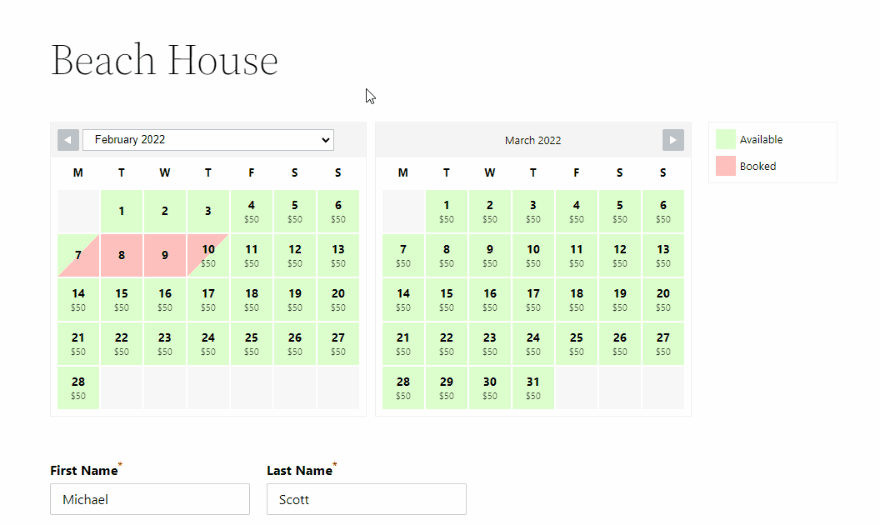
This WordPress booking calendar is highly customizable. You can edit the calendar colors and text to fit your own website and brand. Calendars can be customized separately and you can even use split colors.
Select a date range and the updates you want to apply, click on the button, and voila! This feature will save you lots of time when you're editing your calendar.
Control who has access to your calendars by assigning WordPress users. You can assign general access per user type or assign a specific user to a specific calendar.
Probably one of the things our customers like the most is the support. You often get a solution to your problem in just a few hours.


Check out our live demos or get started now.
Tell us about your business activity & plugin requirements and we'll let you know if WP Booking System is right for you.
Have a support question? Please use this form instead.