WordPress Booking Plugin with Online Payments
Accept secure online payments when customers book through your WordPress website. WP Booking System supports Stripe, PayPal, Square, Mollie, GoPay, Authorize.Net, WooCommerce checkout, bank transfers and more.
Online payment gateways for WordPress bookings
Choose from multiple payment providers or route checkout through WooCommerce. Only the payment methods you enable are shown to customers in your booking form.
Stripe
Accept online card payments through Stripe directly as part of your WordPress booking process.
Stripe also supports additional payment methods depending on your Stripe account, country and currency.
PayPal
Accept booking payments using PayPal and give customers a familiar online payment option when completing their reservation.
Square
Accept card payments for bookings through the Square payment gateway.
WooCommerce Checkout
Send customers through WooCommerce checkout and use the payment gateways available through your WooCommerce setup.
This is useful if your WordPress website already relies on WooCommerce for payments and you want booking payments to use the same checkout ecosystem.
Mollie
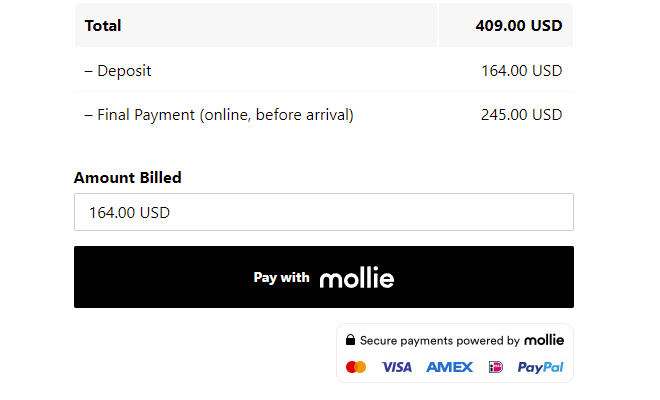
Connect WP Booking System with Mollie and offer payment methods enabled for your Mollie account.
GoPay
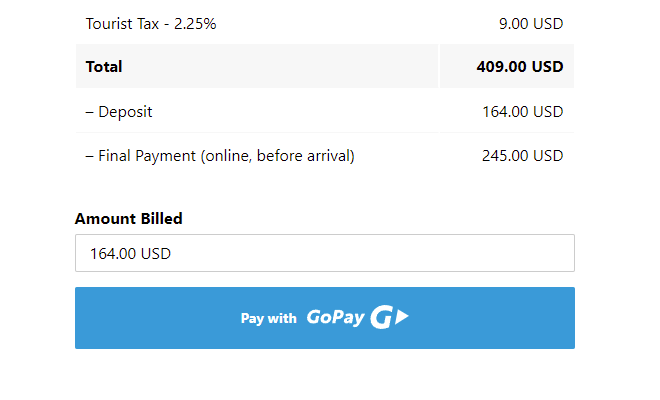
Accept online booking payments using the GoPay payment gateway, including supported card and bank payment methods.
Authorize.Net
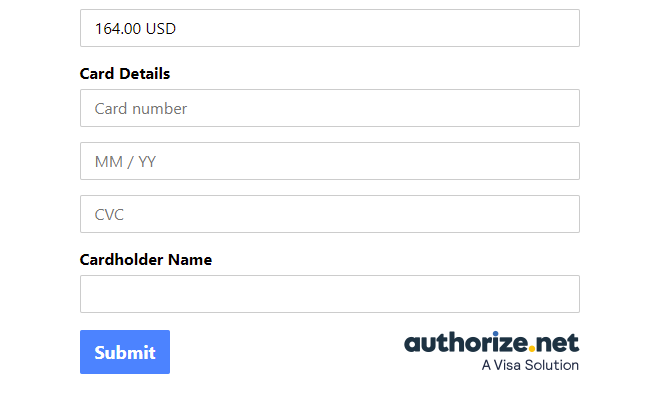
Accept card payments through Authorize.Net and connect transactions with the bookings created through your WordPress website.
Redsys
Accept online card payments for bookings using the Redsys payment gateway.

Online or offline booking payments
Online checkout is not required. You can also let customers reserve their dates and complete payment separately.
Bank transfer
Accept bookings with offline bank transfer and include your bank account or payment instructions in the customer email notifications.
Payment on arrival
Let guests make a reservation without paying online and collect payment when they arrive or when the rental begins.
Keep booking and payment information together
Payment details are associated with the booking in WP Booking System, so you can see the payment status, payment method, transaction information, pricing, deposits and other order information while managing the reservation.
Accept payments directly with your WordPress booking system
Let customers check availability, submit a booking and pay without leaving your direct booking process. Choose the payment methods that fit your business, collect the full booking amount or a deposit, and manage payment information alongside each reservation in WP Booking System.
Take full payment at booking
Charge the complete booking amount when the customer submits their reservation. This works well when you want guests to secure their dates and complete payment in a single checkout process.
Accept deposits and part payments
Charge a percentage or fixed deposit when the booking is made and collect the remaining balance later. Deposits can be mandatory or optional, depending on how you want to structure your booking process.
Collect the remaining balance later
When part payments are enabled, WP Booking System can generate a payment link for the remaining balance. You can include this link in an email reminder so the customer can complete the final payment online when it becomes due.
Add a refundable security deposit
Require a separate security deposit for a rental or booking and define when it should be refunded after the booking ends. This is useful for accommodation, vehicles, equipment and other rentals where you may need protection against damage or additional costs.
Online booking payment FAQs
Yes. WP Booking System can calculate the booking total and let customers choose an enabled payment method when submitting the booking form.
WP Booking System supports Stripe, PayPal, Square, Mollie, GoPay, Authorize.Net, Redsys and WooCommerce checkout. Offline options include Bank Transfer and Payment on Arrival.
Yes. Part Payments let you charge either a percentage or a fixed deposit at booking time and collect the remaining amount later. You can also make paying the deposit mandatory or allow the customer to choose between the deposit and the full amount.
Yes. When configured for online final payments, WP Booking System generates a payment link for the remaining balance. The link can be included in a customer email so the balance can be paid later.
No. A booking deposit or part payment is part of the booking price and reduces the remaining balance. A security deposit is a separate, normally refundable amount intended to cover potential damage, missing items or other additional costs.
No. You can also enable offline options such as Bank Transfer or Payment on Arrival.