Email settings
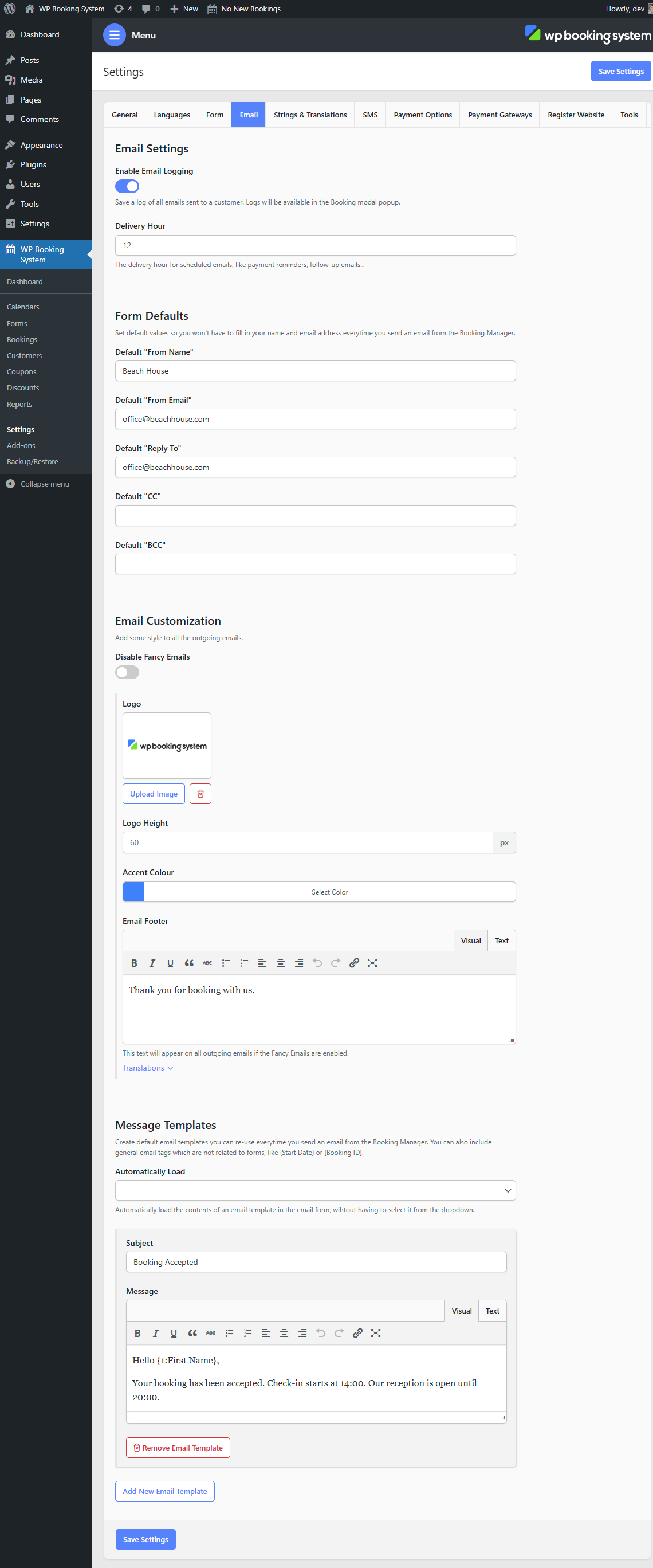
Email Logging
| Enable Email Logging | Enables email logging. This will save a copy of all the emails sent to the customer. Emails can be viewed in the Email Logs tab from the Booking Modal |
| Delivery Hour | The delivery hour for scheduled emails (payment reminders, follow-up emails, etc.) |
Form Defaults
These values will be used when emailing the customer from the Booking Modal.
| Default “From Name” | The default “From Name” value. |
| Default “From Email” | The default “From Email” value. |
| Default “Reply To” | The default “Reply To” value. |
| Default “CC” | The default “CC” value. |
| Default “BCC” | The default “BCC” value. |
Email customization
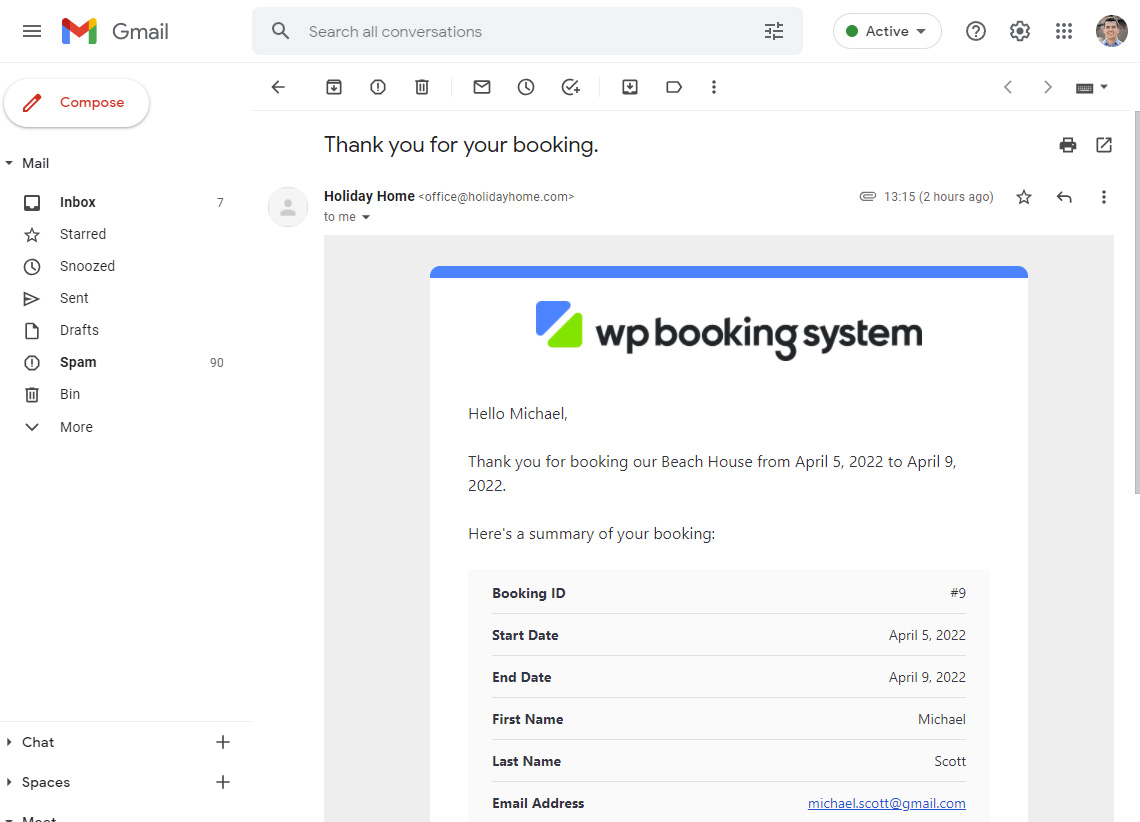
| Disable Fancy Emails | Disable the default email formatting and send emails in plain text format. See an example below of what the email looks like. |
| Logo | A logo that will appear in the email header. |
| Logo Height | The height of the logo in pixels. |
| Accent Color | A colored line that appears in the email header. |
| Email Footer | A text that is included in the footer of all the emails. |
Message Templates
These templates can be used to automatically populate the Subject and Message field values when emailing the customer from the Booking Modal.