General payment settings
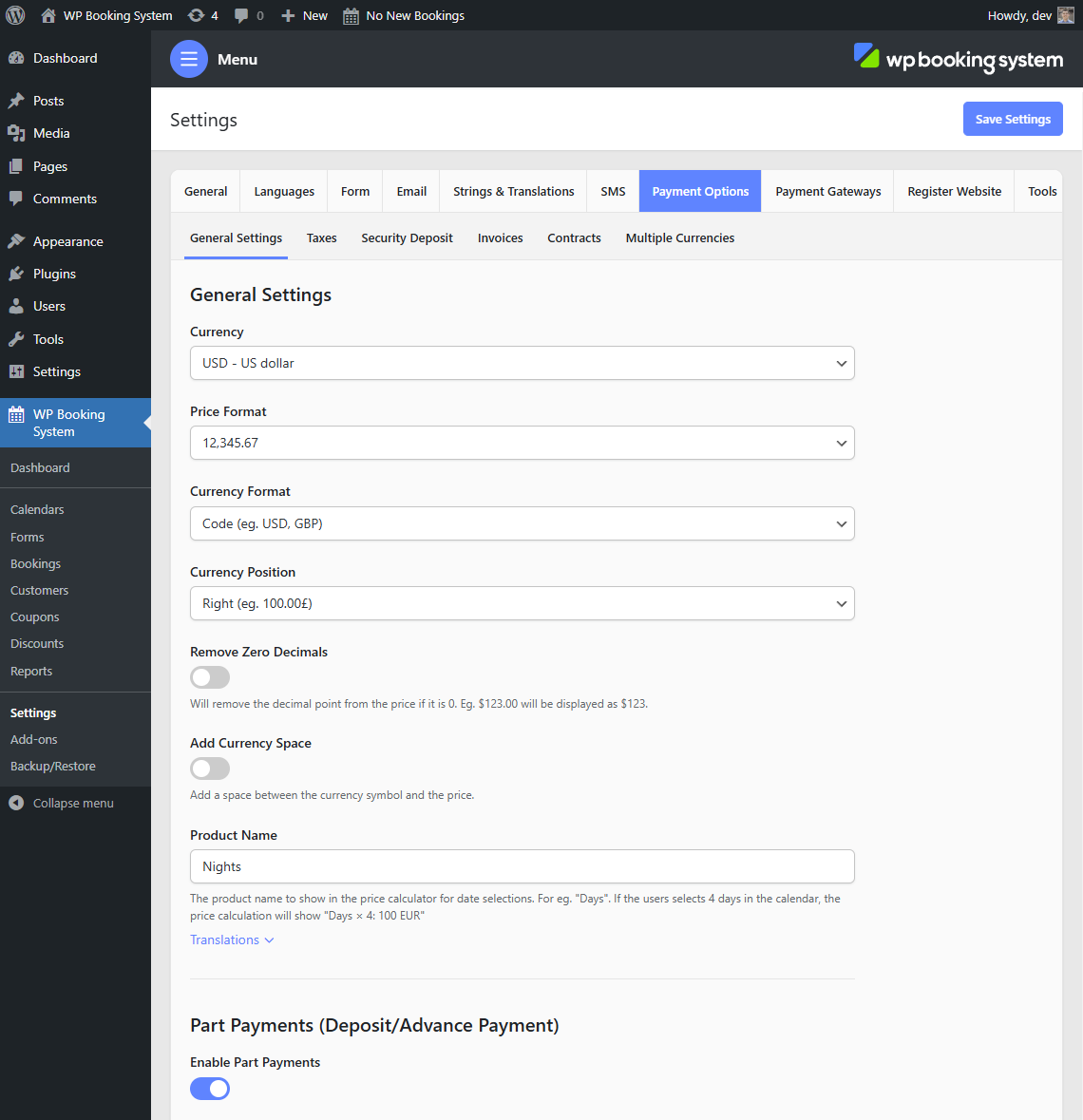
| Currency | The currency used to display prices. |
| Price Format | The format for displaying prices. |
| Currency Format | The currency format. Can be Currency Code or Symbol. Not all currencies support the Symbol option. |
| Currency Position | The position of the currency code or currency symbol. Can be on the left or right of the price. |
| Remove Zero Decimals | Will remove the decimal point from the price if it is 0. Eg. $123.00 will be displayed as $123. |
| Add Currency Space | Will add a space between the currency symbol and the price. |
| Product Name | The product name that will appear in the pricing table referring to the price set in the calendar. Usually “days” or “nights”. |